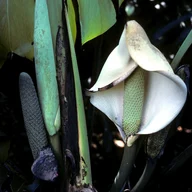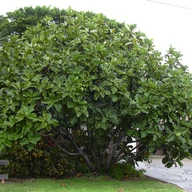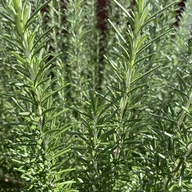
Identify and log.
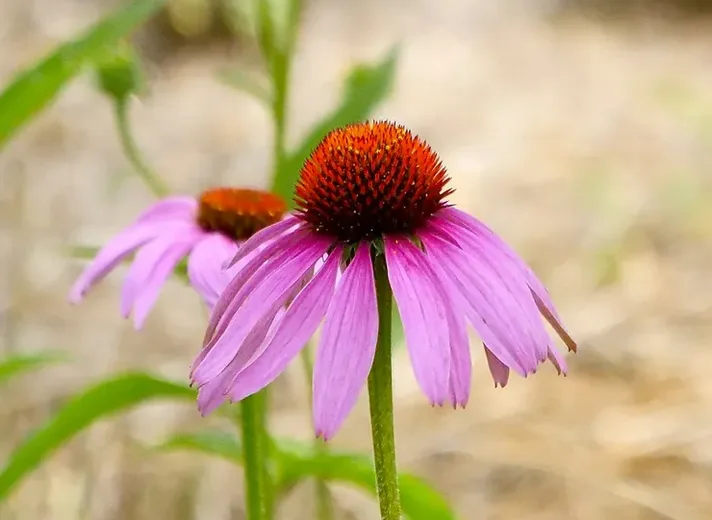


The top match from each scan files itself, and the entry keeps every match the scan offered.
SEE THE GARDEN LOG
§ Features · Checked Nov 2026
Ezina answers the questions your plants raise, from a sick leaf to what to plant next spring. Is it native here?
§ 010 · In the app
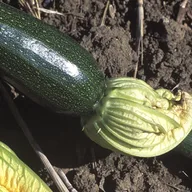
Scan it, and Ezina names it and files it in your log.
The top match from each scan files itself, and the entry keeps every match the scan offered.
SEE THE GARDEN LOG§ 020 · Identify and treat
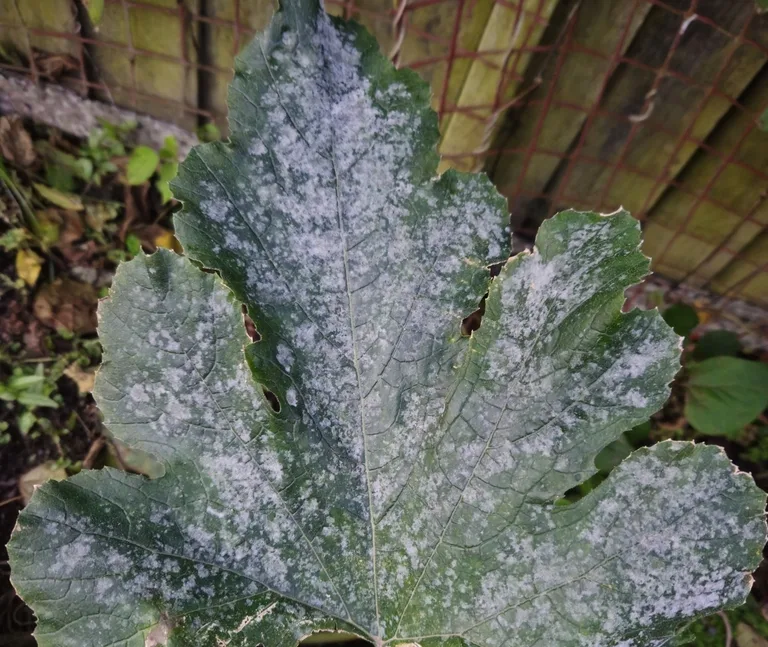
Photograph a sick leaf and get a step-by-step plan from an extension service.
020.1 Photo ID
Find out whether a plant is native, introduced or invasive in your county.
See plant ID020.3 Treat
300+ plans from extension services, with each step on your calendar.
See treatment plans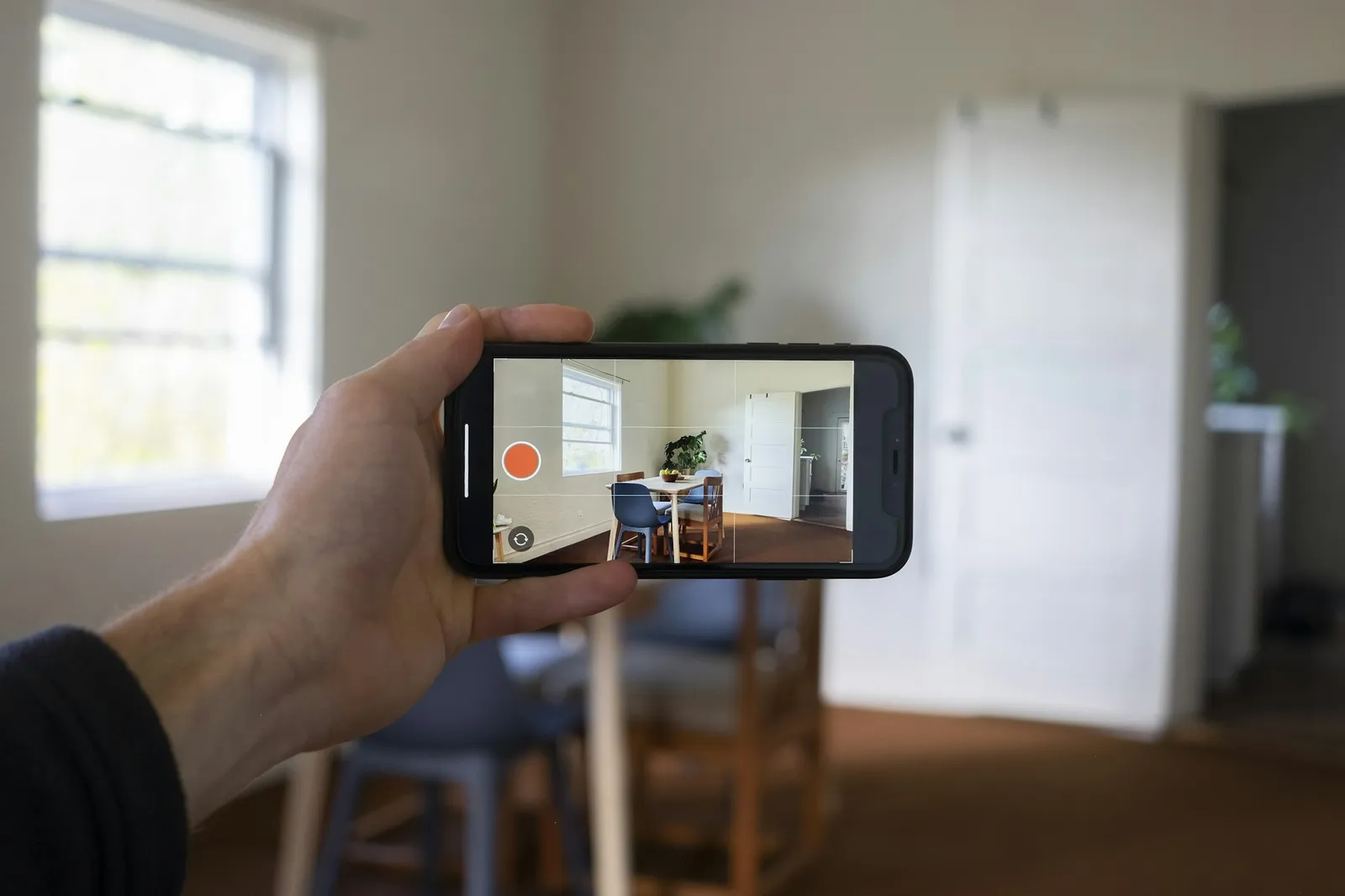
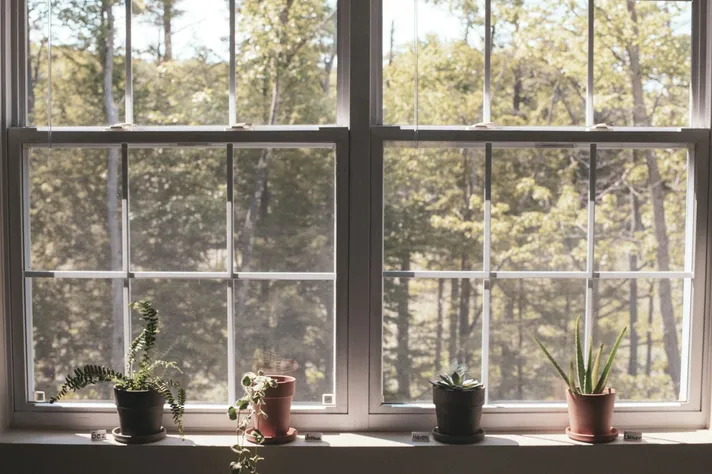
Stand where the plant will sit and aim at the window. Ezina reads the light and the trees outside, then names the houseplants that suit it.
SEE THE LIGHT METER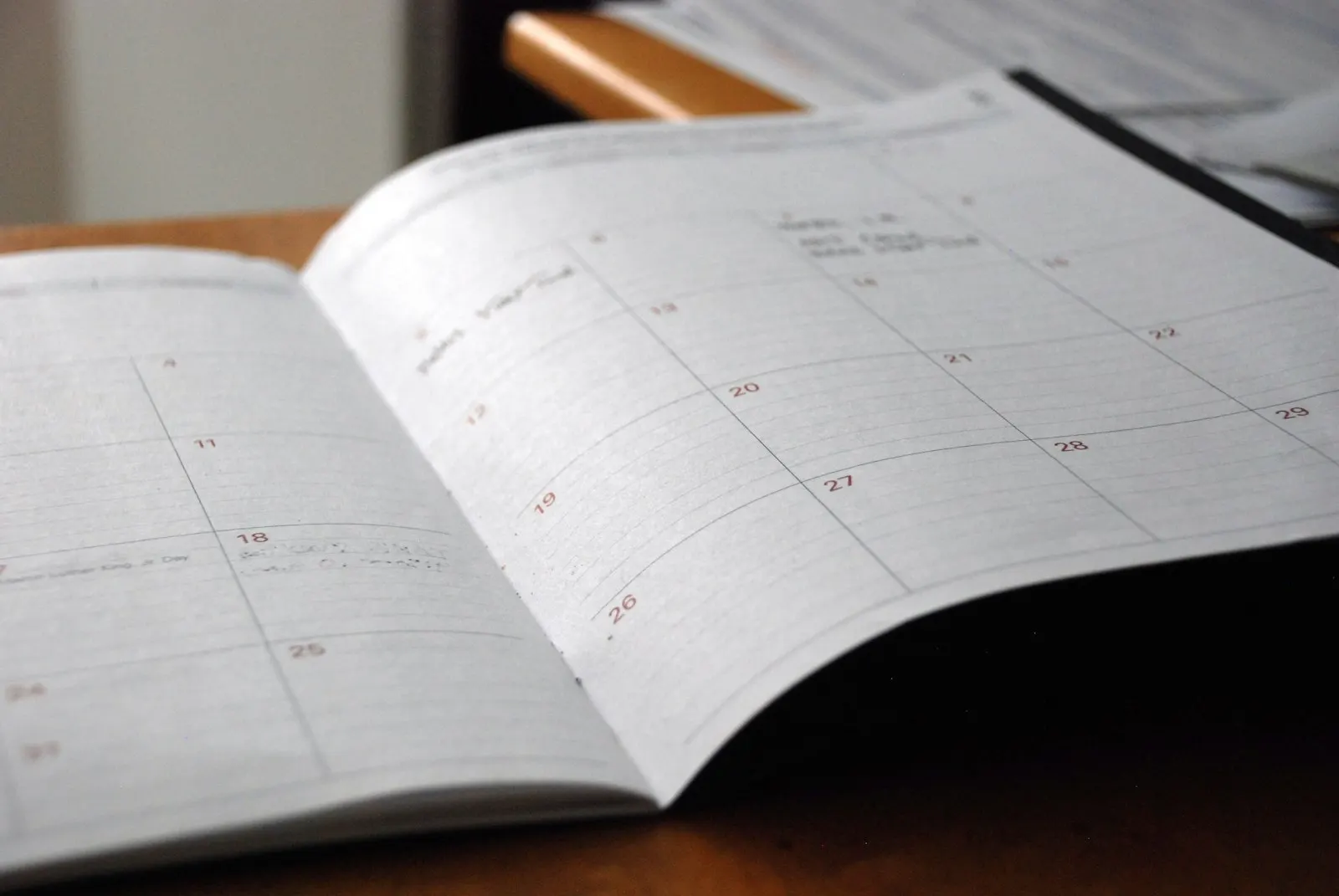
Send a link. Today’s watering shows first, and whoever holds it can record a watering if you allow it.
SEE THE CALENDAR§ 030 · Care
Schedules follow your weather and your rooms, and Home warns you before frost or a heat wave.
030.1 Water
Your plants show RAIN EXPECTED when rain is likely, so you can skip the hose.
See watering030.2 Alerts
Get a warning before a cold night or a hot day reaches your outdoor plants.
§ 040 · Plan
Dig reads the sun, trees and frost on your lot, so beds, seeds and planting dates fit the place you have.
040.3 Seeds
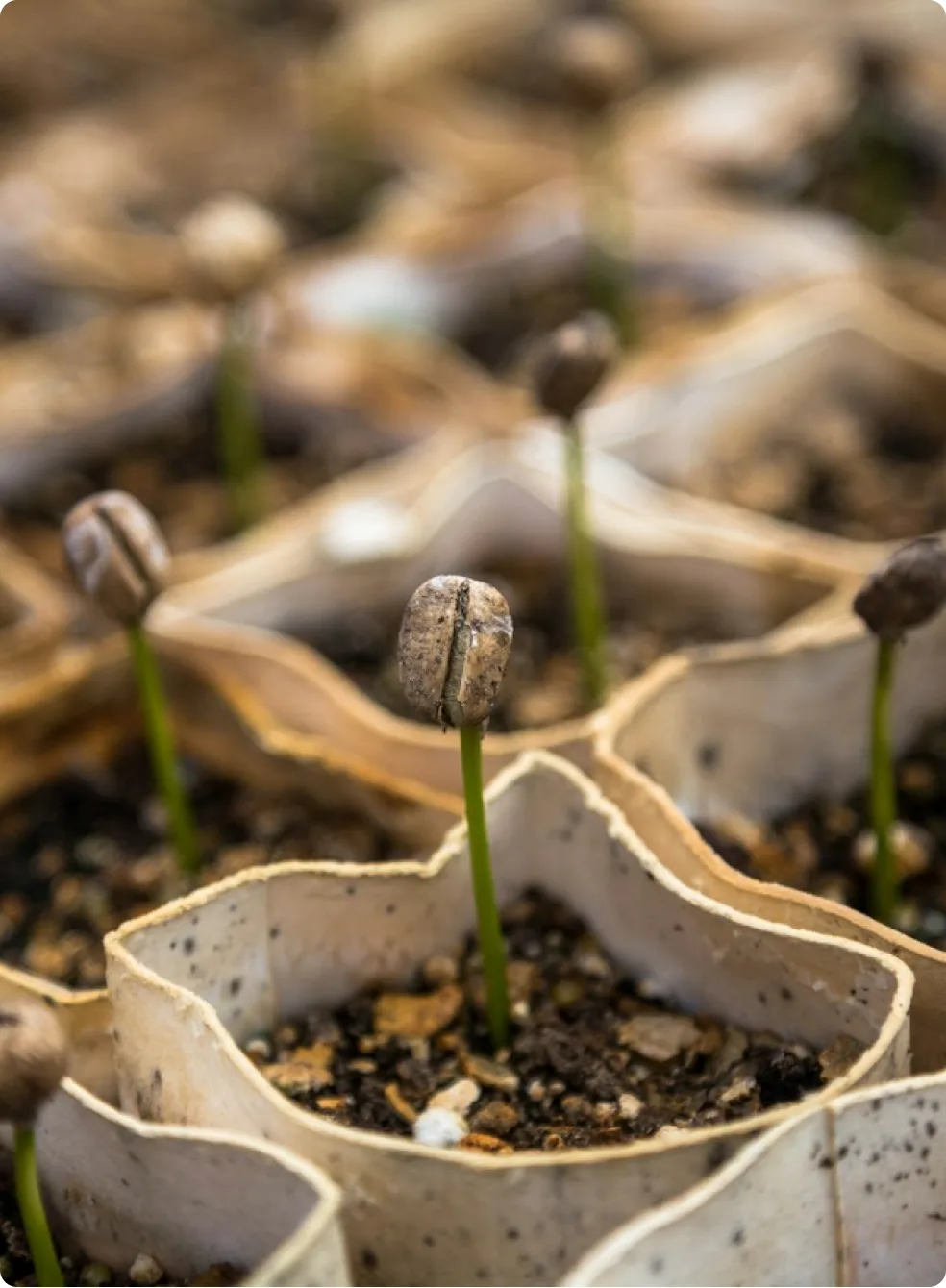
Start seeds on time for the day you want plants ready. In testing in Ezina 0.70.
See seed starting040.4 Calendar
Know what to plant, harvest and treat each week, and share it with a house-sitter.
See the calendar§ 050 · Records and reference
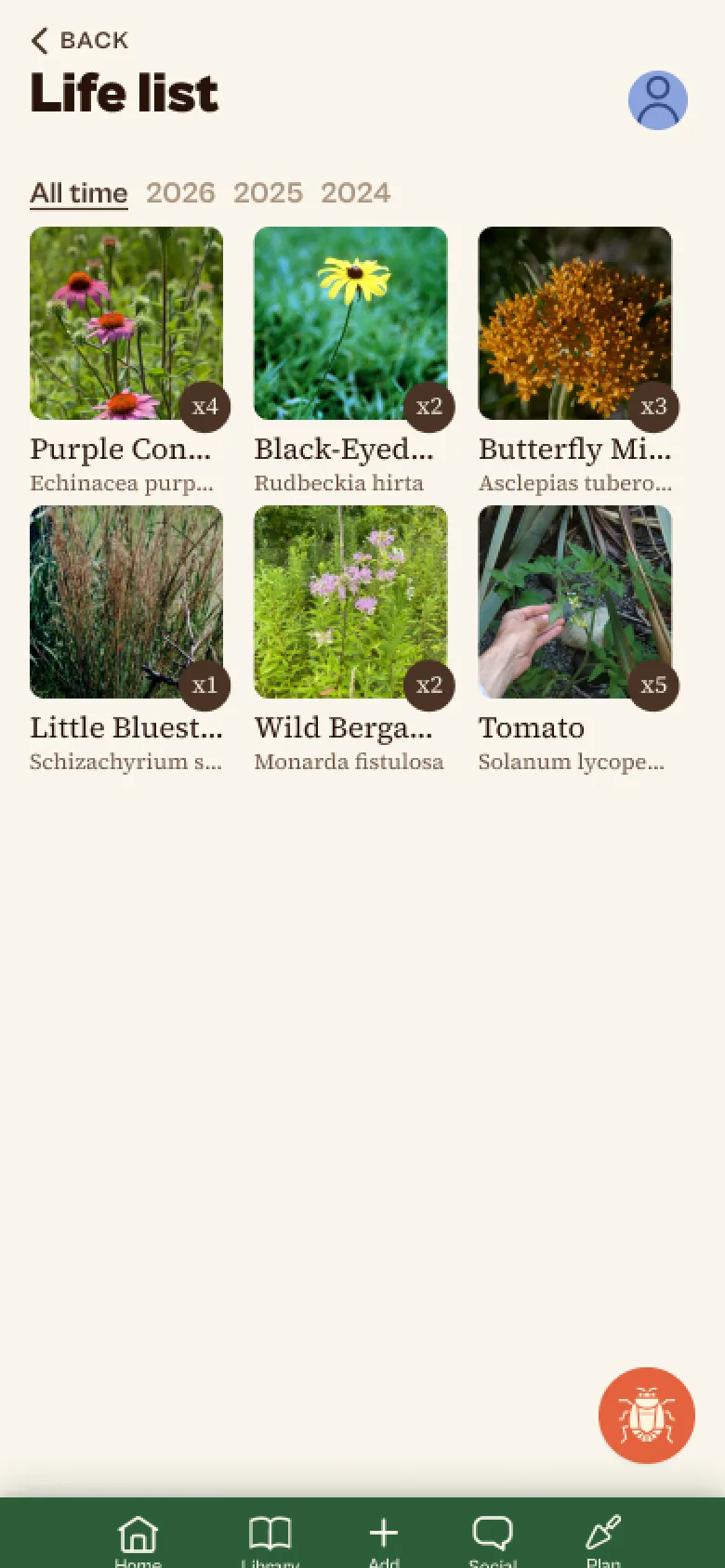
Your log keeps itself, and a library of about 40,000 plants answers the rest.
050.1 Log
Care, scans and harvests file themselves, and every species joins your life list.
See the log050.2 Native
Check any plant against your state's invasive list before you buy it.
Check a plant050.3 Library
Filter about 40,000 plants by light, water, hardiness and more.
§ 060 · Questions
Every new account starts with a 14-day free trial. Early Access is then $4.99 a month or $49.99 a year.
A plan includes 20 credits a month, and each identification or health check uses one. Credit packs never expire.
Yes. Sign in with Apple on iPhone or with Google on Android, or use your email.
No. No ads, no sponsored placements, no affiliate links and no paid ranking in results.
Yes. Add screenshots of your plant list and review each match before it's added.
In the United States. In Alaska and Hawaii, watering doesn't adjust for the forecast and there are no weather alerts yet.