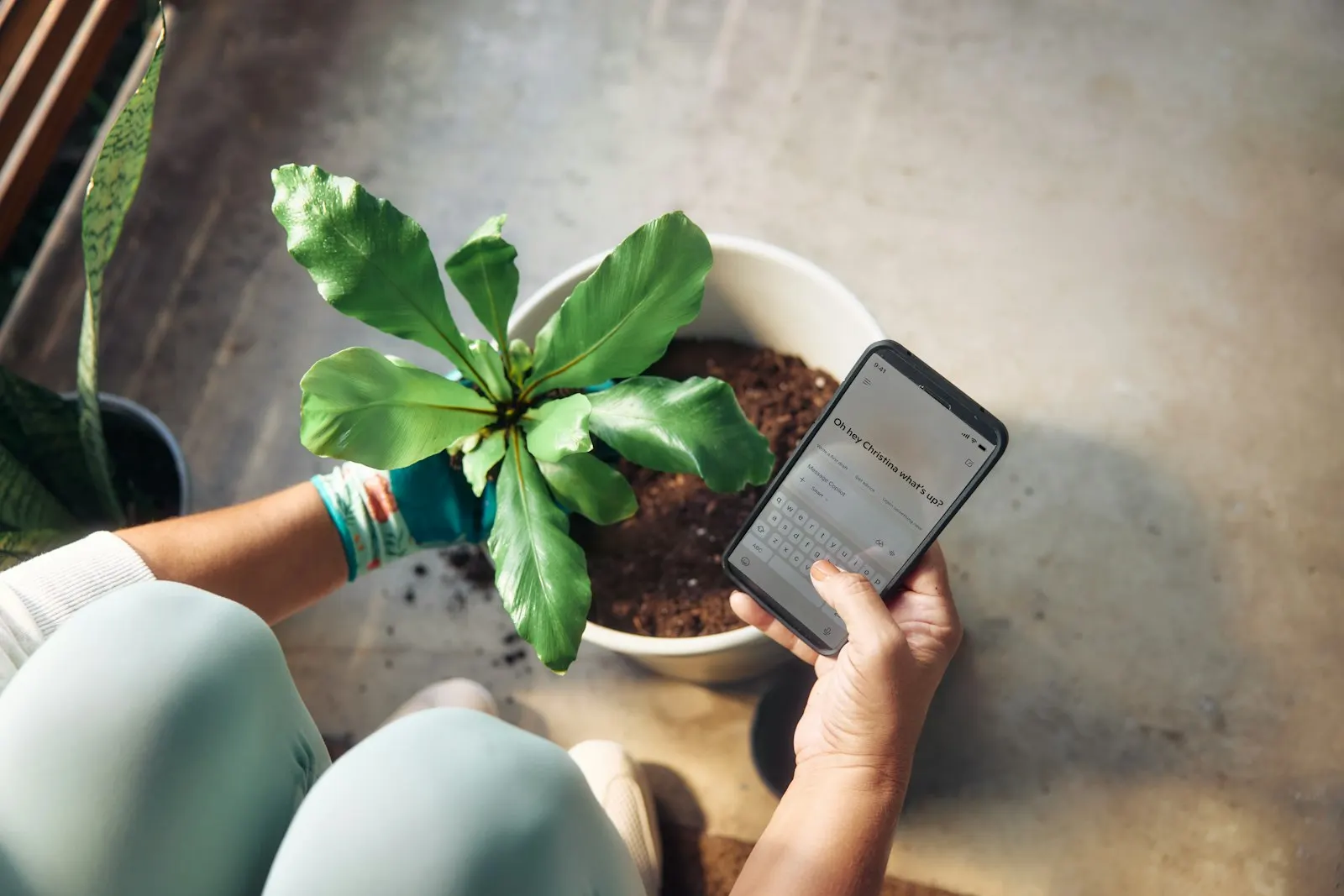
Your plant list, matched to species.
Add screenshots from the app you use now. Each plant comes back matched, with your own name kept.
Photo · AI-generated (Microsoft Copilot) / Unsplash
§ Bring your plants · In testing · Nov 2026
Screenshot your plant list, and Ezina matches each plant to a species. See the rest of our features.
§ 010 · Review
Each plant comes back matched to a species, with the name you gave it.
Add screenshots from the app you use now. Each plant comes back matched, with your own name kept.
Photo · AI-generated (Microsoft Copilot) / Unsplash§ 020 · How it works
Start in Settings › Garden, check each match, and your plants land in their rooms.
020.1 Screenshots
Screenshot your plant list in the app you use now.
020.2 Review
Pick a species for any plant it couldn't match.
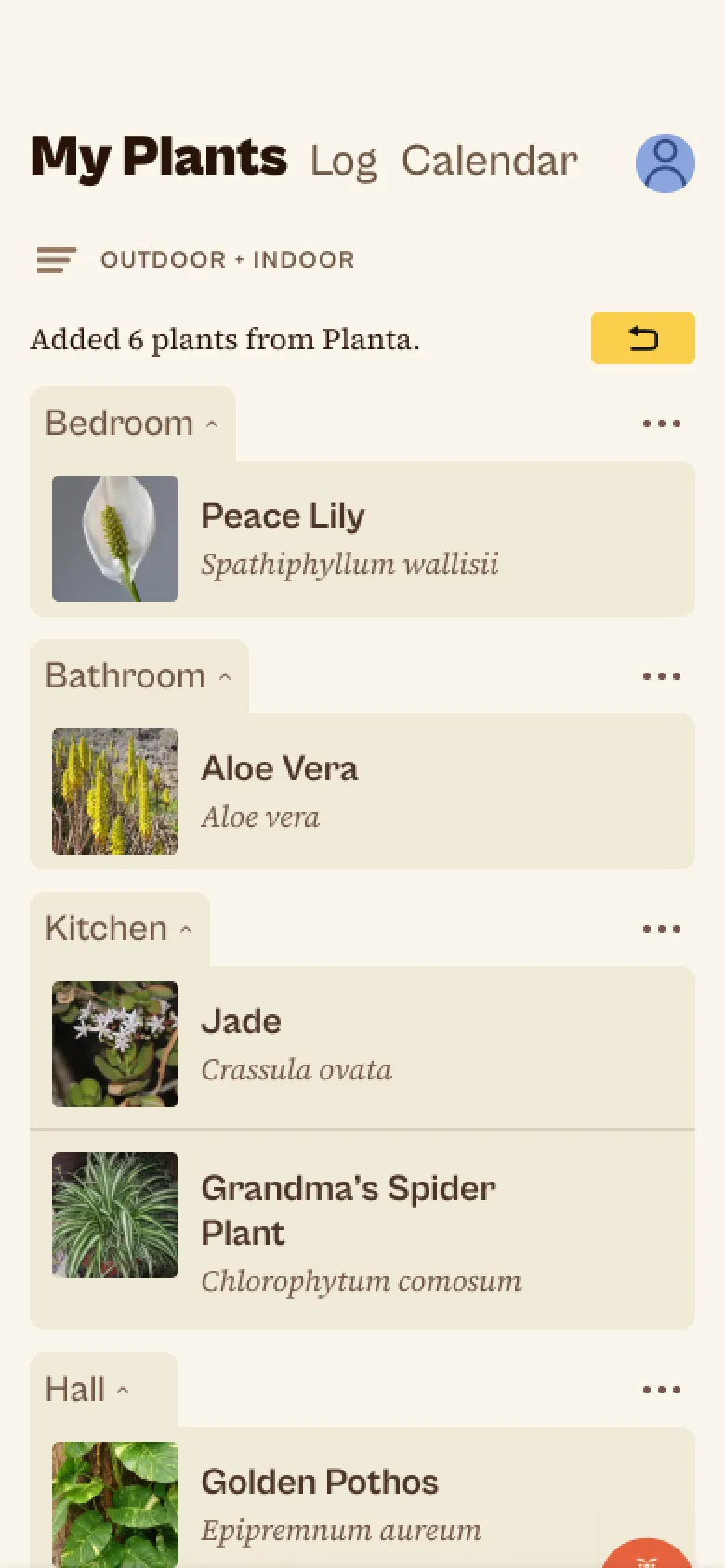
020.3 My Plants
Undo takes the whole import back off.
§ 030 · Your say
Import is new and can miss plants. Add the rest one by one, or say a list of names at once.
030.1 Credits
Matching your screenshots doesn't use identification credits.
§ 050 · Questions
Planta. Ezina reads screenshots of Planta's plant list; other apps aren't supported yet.
No. Matching your screenshots doesn't use identification credits.
Add them with Add, or speak or type several names at once with Say a list.
Yes. Undo on My Plants removes the plants that import added.
It's in testing in Ezina 0.70. Some screenshots match fewer plants than they show.
On iPhone and Android in the United States.