Identify and log.
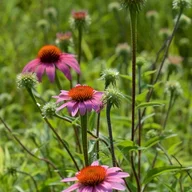
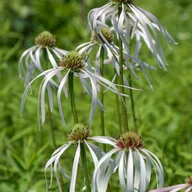


The top match from each scan files itself, and the entry keeps every match the scan offered.
Photo · Angelica Hasbon / Unsplash
§ Log + life list · Checked Nov 2026
Waterings, scans and harvests log themselves, and every species you record joins your life list. See the rest of our features.
§ 010 · The log
Each watering, treatment and harvest files itself, so the record keeps up with you.
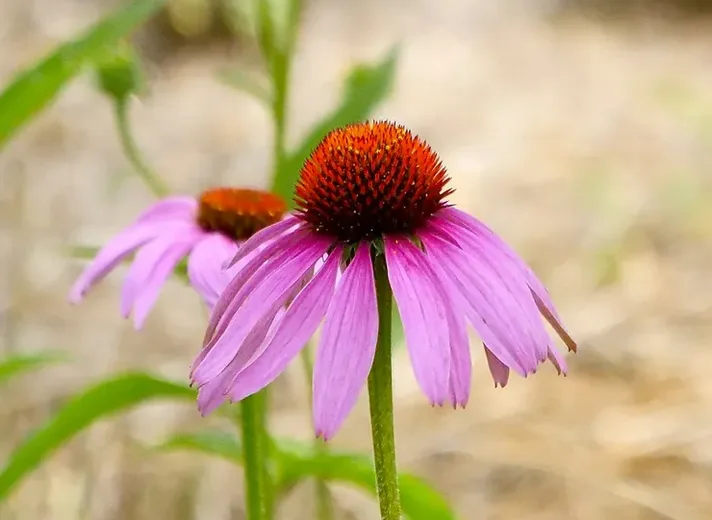
The top match from each scan files itself, and the entry keeps every match the scan offered.
Photo · Angelica Hasbon / Unsplash§ 020 · Scans and entries
Scans file themselves and a busy day shrinks to one row, so you can find last month at a glance.
020.1 Scans
Each scan keeps every match it offered, ranked.
020.2 Timeline
Six pots watered in one afternoon show as one row.
020.3 Entries
Add a note, tags and up to six photos when you want more.
§ 030 · Life list
Every species you record, birds and insects included, gets one card with your own photo.
030.1 Wildlife
Birds and insects are named against about 98,000 species, even ones the library doesn't stock.
030.2 Corrections
Fix a wrong ID, and the life list moves the plant to the right species.
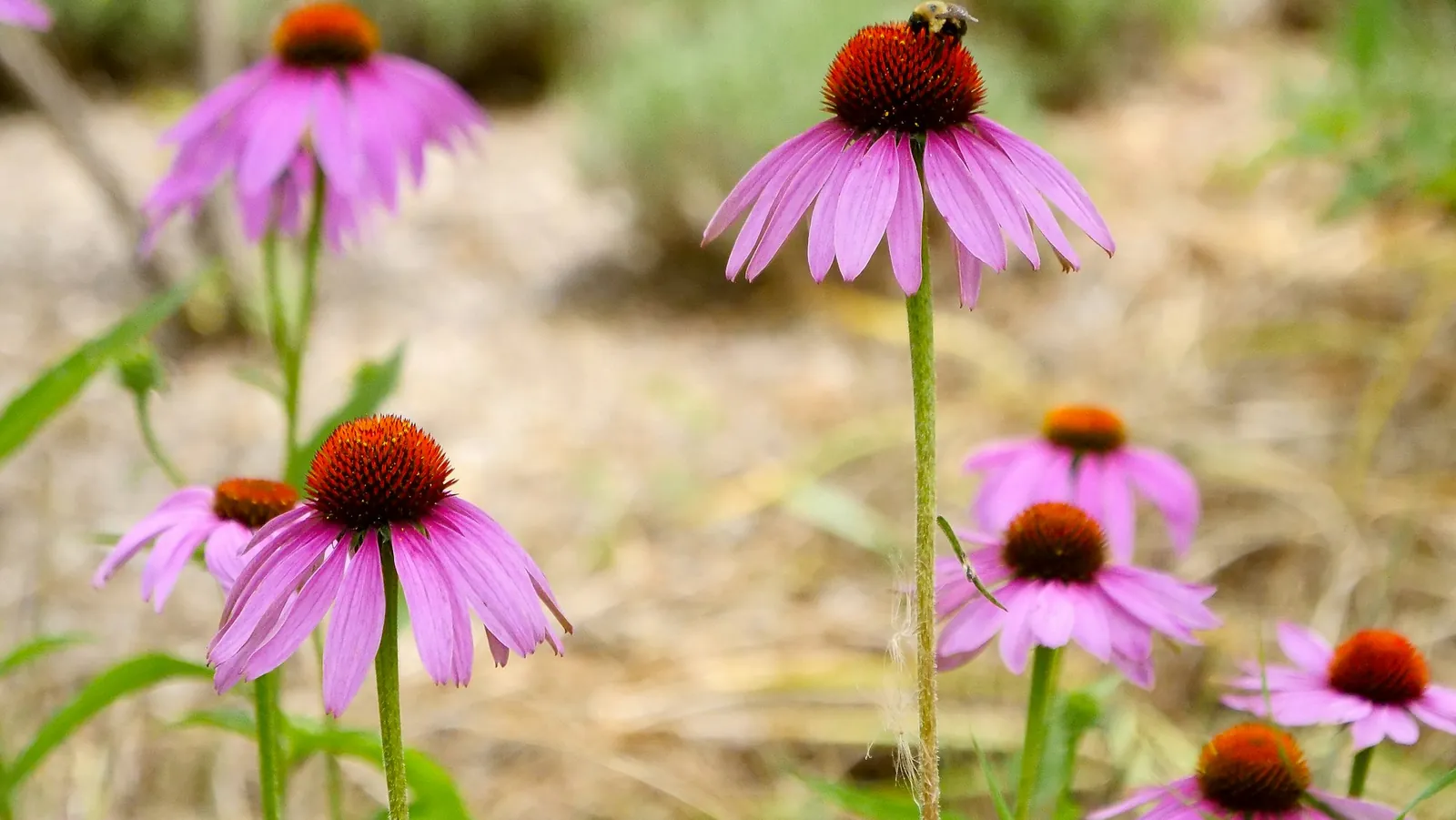
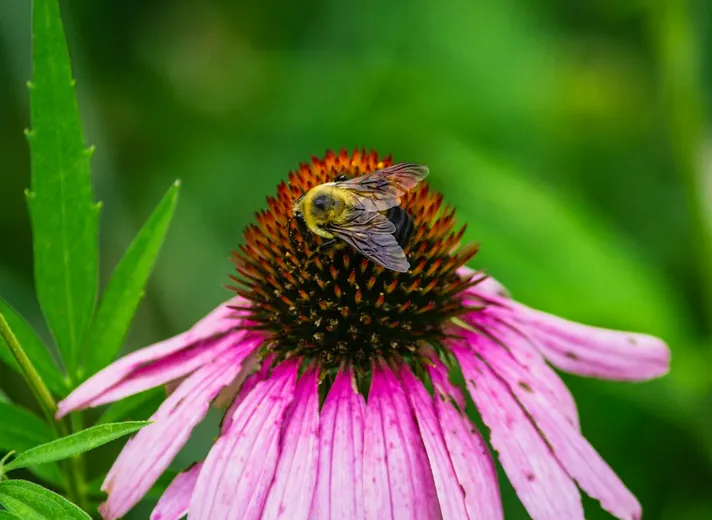
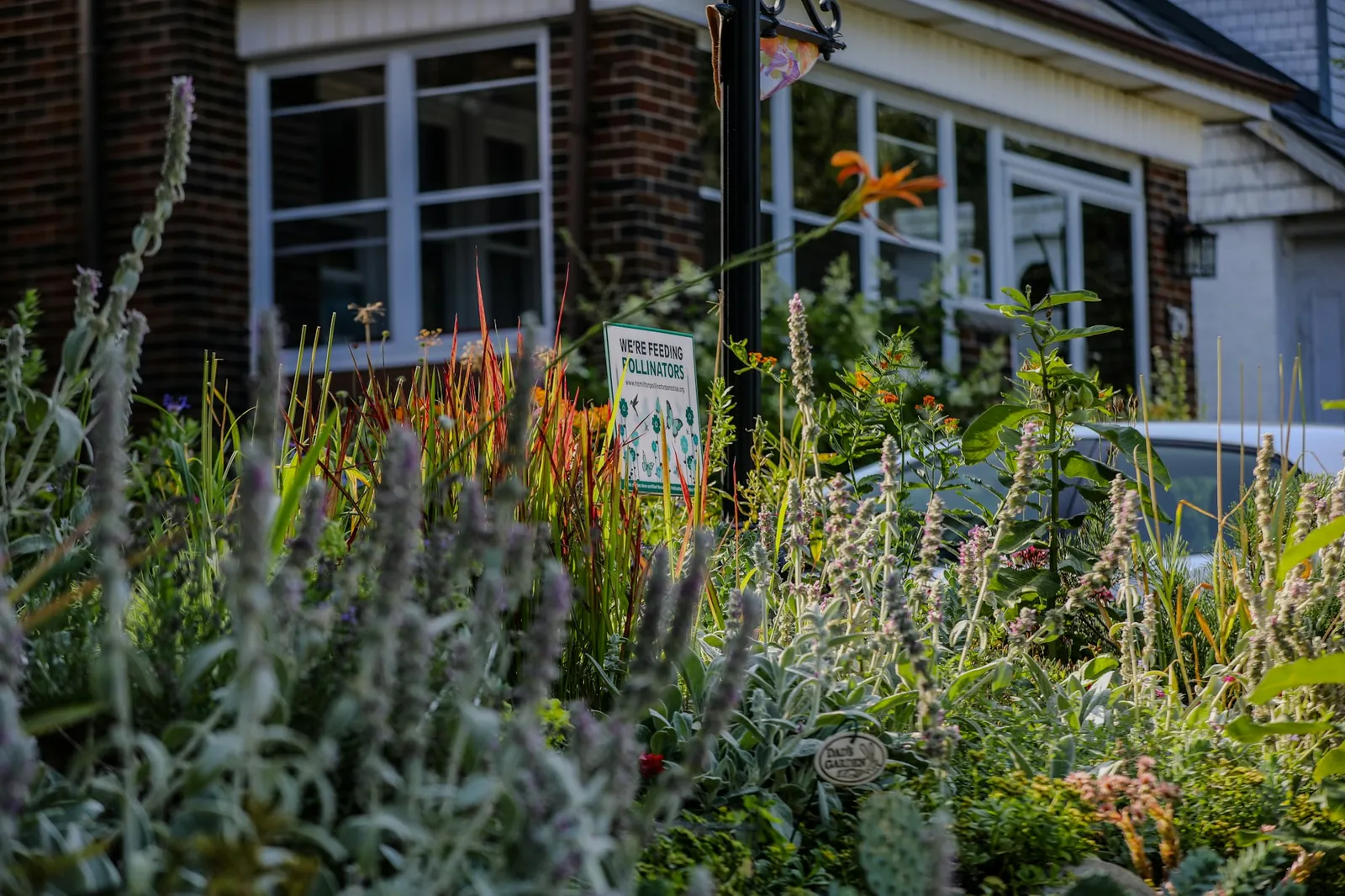
Photograph a bee on your coneflowers, and it joins the same log and life list as the plants it visits.
Photos · Milan Cobanov, Jeffrey Hamilton / Unsplash§ 050 · Questions
No. Most arrive on their own, and any of them can take a note, a photo and tags.
Correct the species on the plant. The Log records the change, and the life list follows.
It moves to Deleted plants in your account, with the reason and the date, and you can bring it back.
Yes. The Log records the change, and the life list moves the plant to the right species.
Yes. Your data download includes your entries and every photo, up to about 450 MB.
On iPhone and Android in the United States.